Do you know this meme?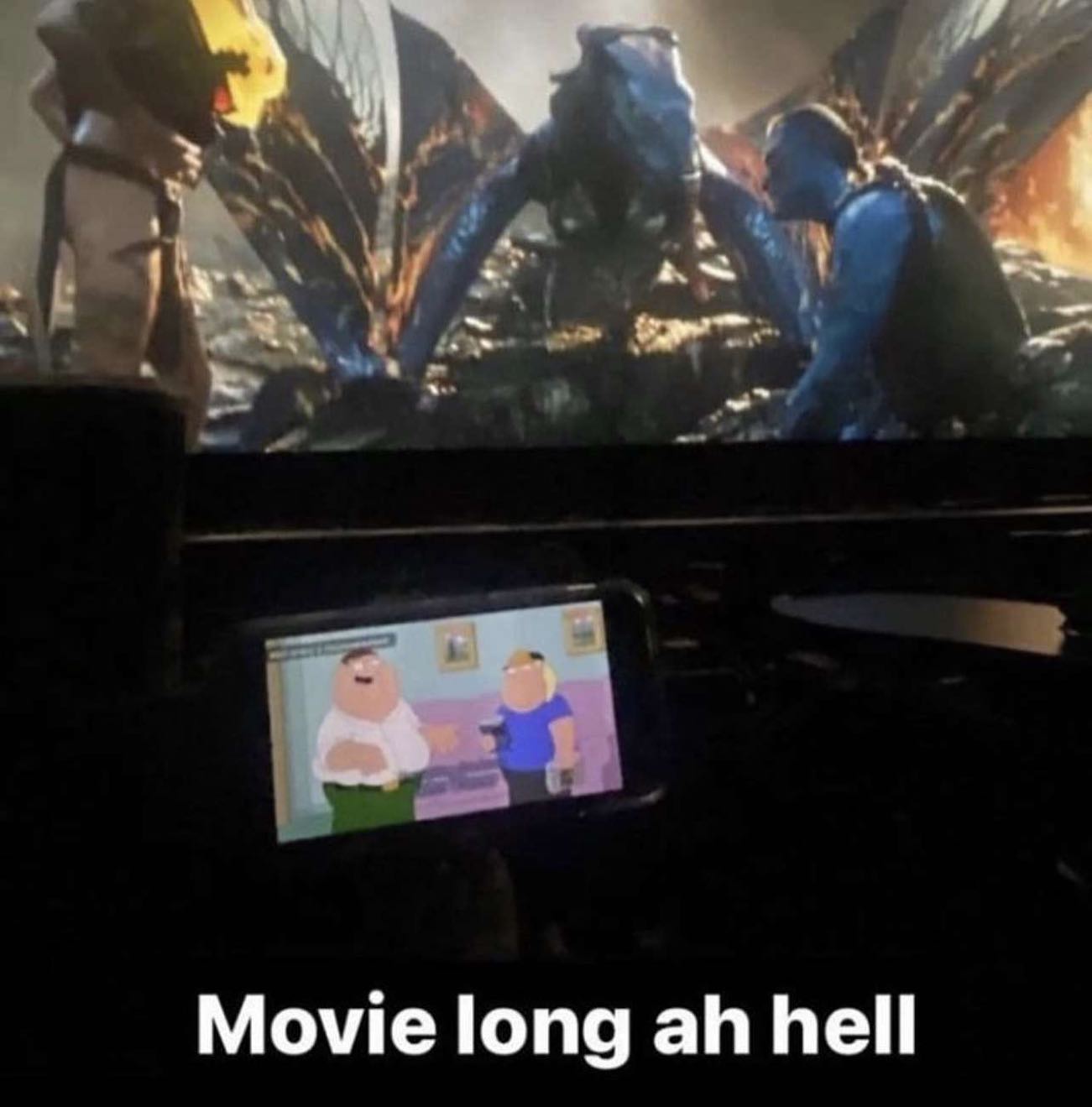
The problem
I don’t know if it’s ADHD or my brain is fried from short form content, but I like having something just playing in the background. In my family household there was always radio playing or TV turned on. I don’t listen to much radio anymore (although I sometimes put on some Japanese radio station using awesome Radiola app), but I like to have a video or stream playing in the background — especially if I’m having trouble focusing on the task (which probably sounds insane, but it usually helps me to get into the zone).
Sadly with only two monitors you either sacrifice one screen completely or you put the video in some random window. But even with Brave screen splitting option — that doesn’t really work out for me.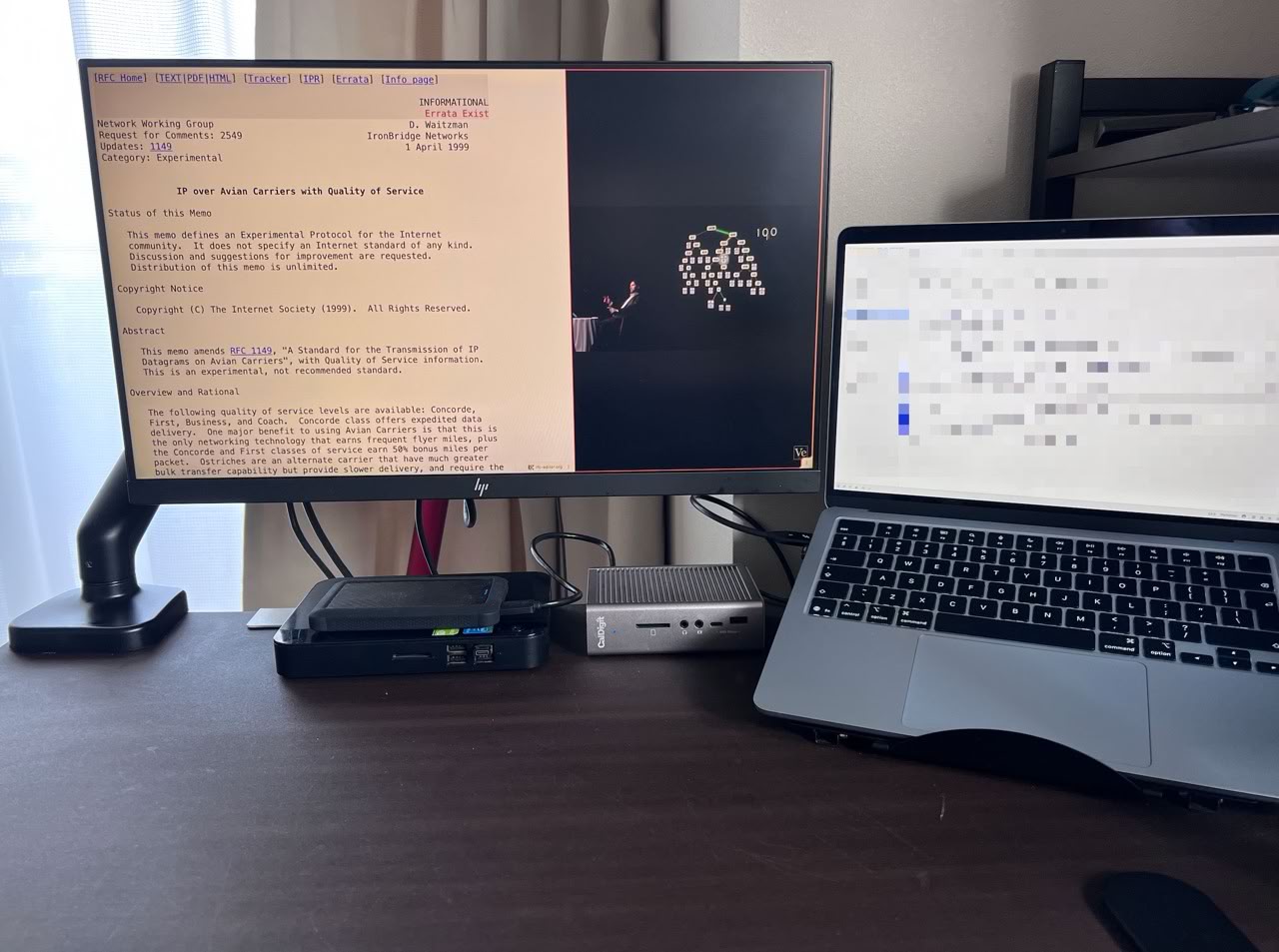
I’m a huge fan of spaces on macOS and I always use apps fullscreen. I switch back and forth between them using touchpad. I could put the video on one of the spaces but that would mean I would have to move back and forth to glance at it — which will be far more distracting than it should be. I want the video to be constantly visible in a small window somewhere1 — that way I can achieve my own ADHD version of the Ballmer Peak.
The solution
MacOS has a built-in support for videos in Picture-in-picture mode, although it’s scarcely described. Well, let’s try it in Brave. Go to YouTube, right-click to a video and you will see this menu.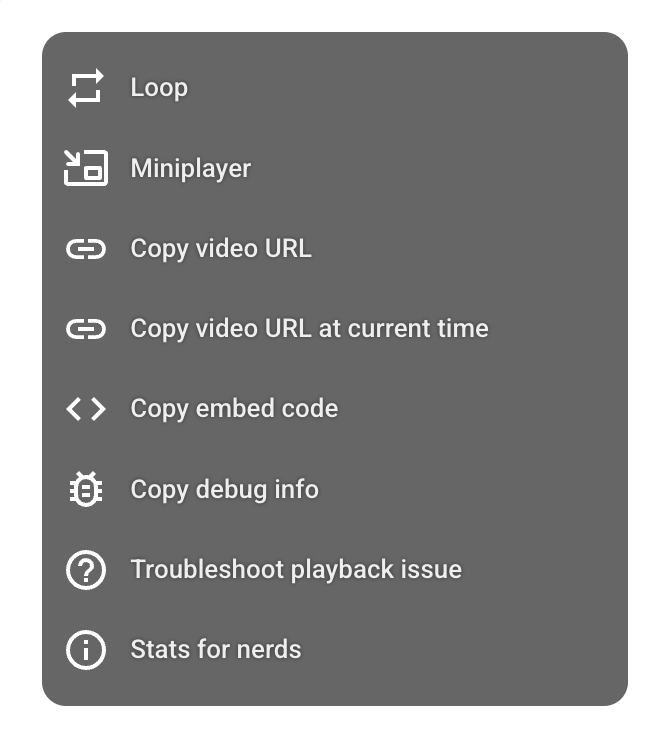
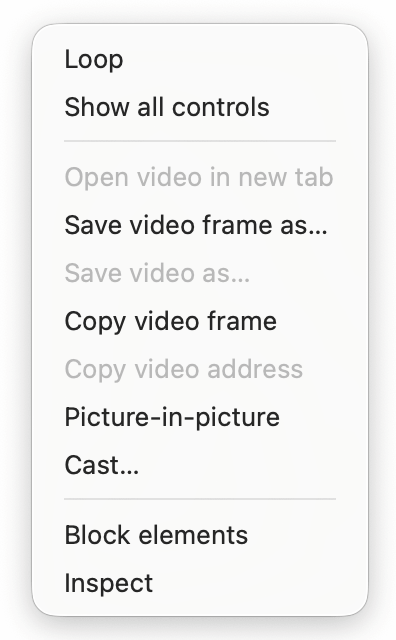

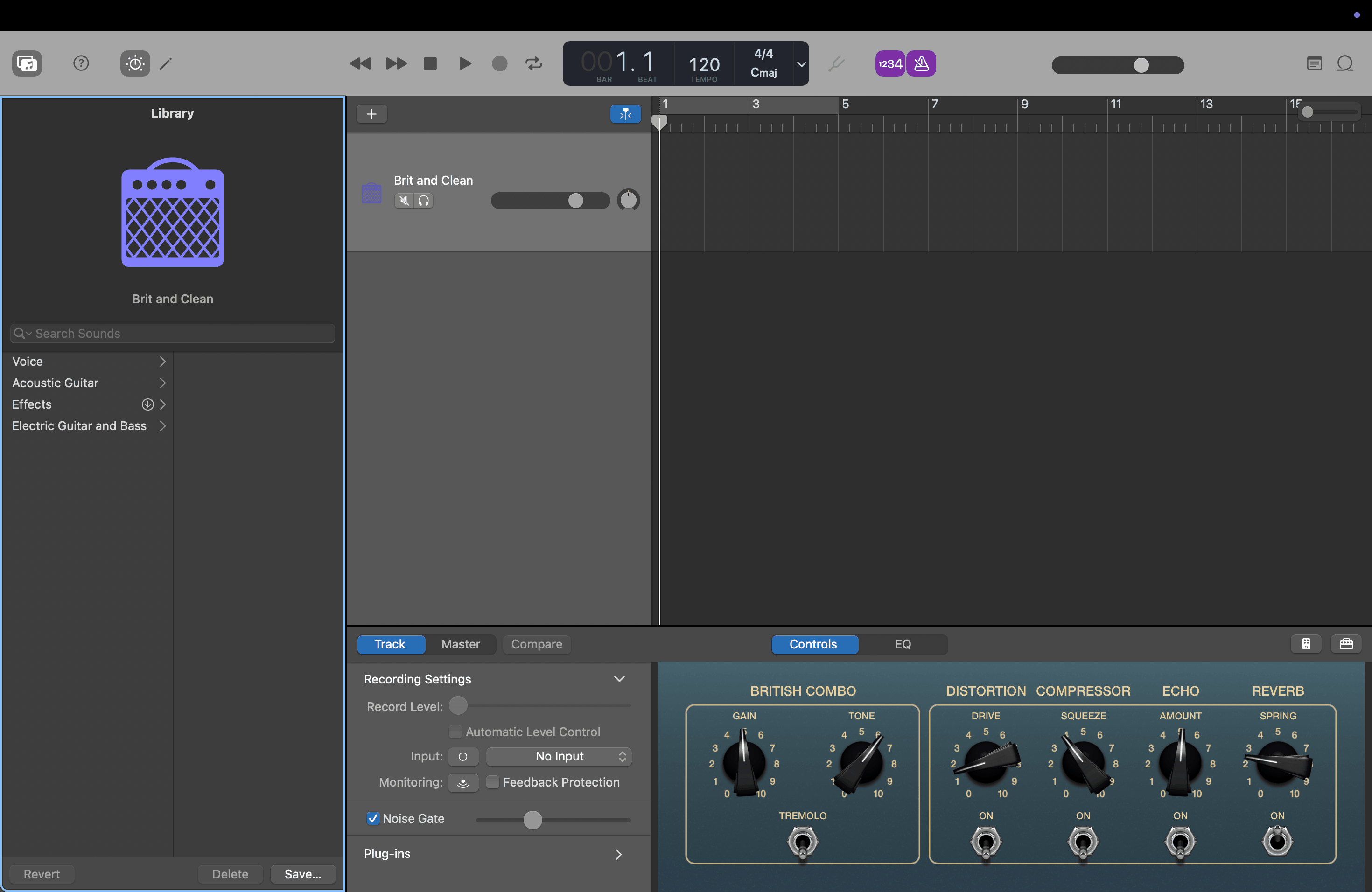
But it probably doesn’t use native macOS PiP at all — the video window was way too square for macOS which is all about those rounded corners.
What will use native macOS PiP though? Well, macOS native web browser of course — Safari. Open Safari, right-click twice on a YouTube video and turn on Picture-in-picture again.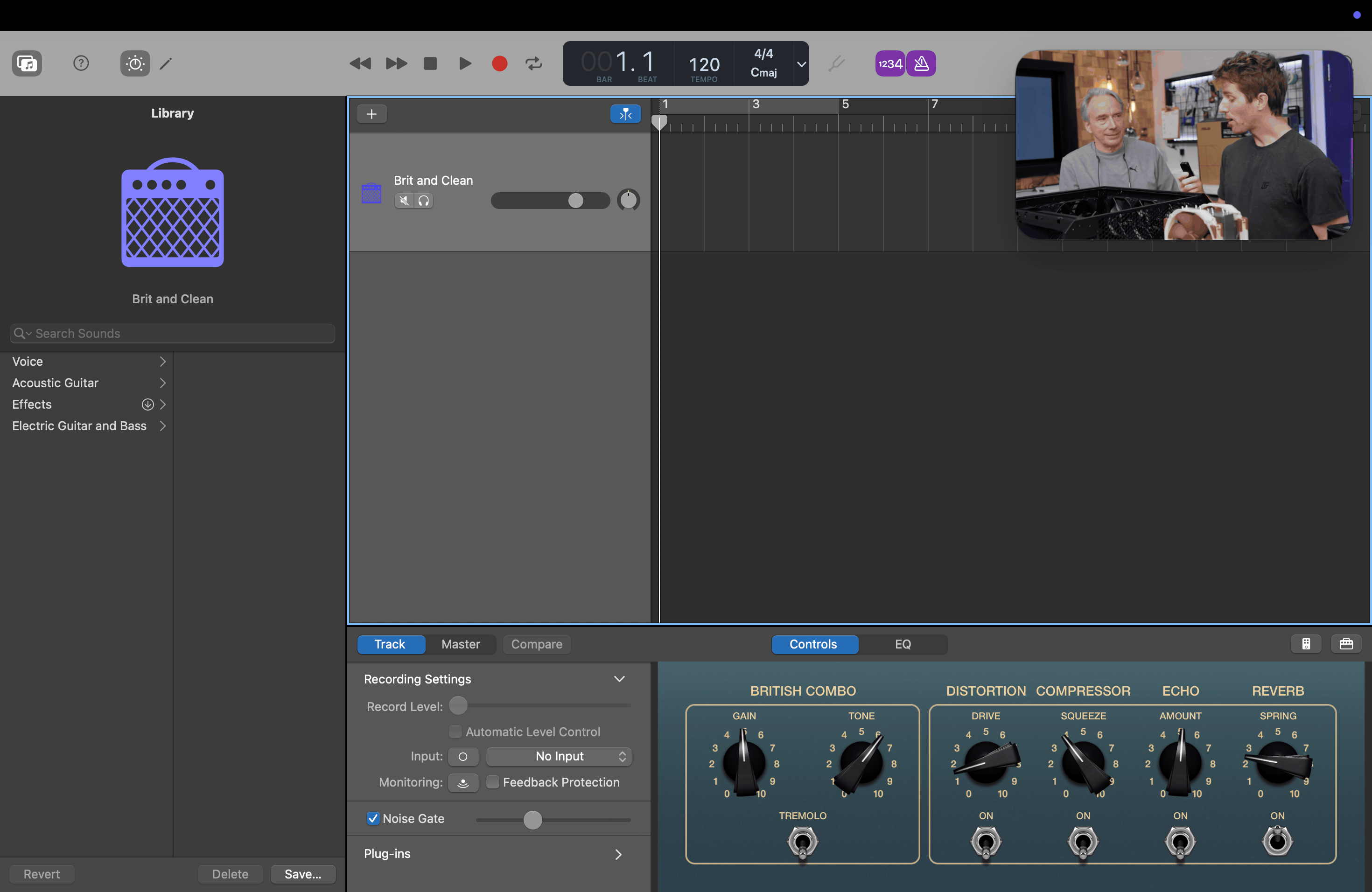
Twitch
So about that double right-click trick from YouTube… It doesn’t work on Twitch. Turns out there is an invisible HTML element over a video so you cannot actually click on the video file itself, what a bummer… But it turns out someone had the same issue and posted about it on Reddit.
With this little code snippet pasted into Browser developer tools console we can move that invisible html element out of our way.2
$("[playsinline]").style ="position:relative; z-index:99999";
That worked, but now I cannot use control buttons for pausing, changing resolution etc. Seems that invisible HTML element was kinda needed… Thankfully page refresh brings it all back.
A better way
By complete accident, I discovered one day that pressing Shift-Command-R on Safari doesn’t refresh the page without cache (as it does on every other browser I know). That shortcut actually enables Reader mode — the mode you normally use on web articles to get rid of all the fluff and ads, which is pretty neat, as it allows for focused reading — you know, the thing we actually don’t promote on this page.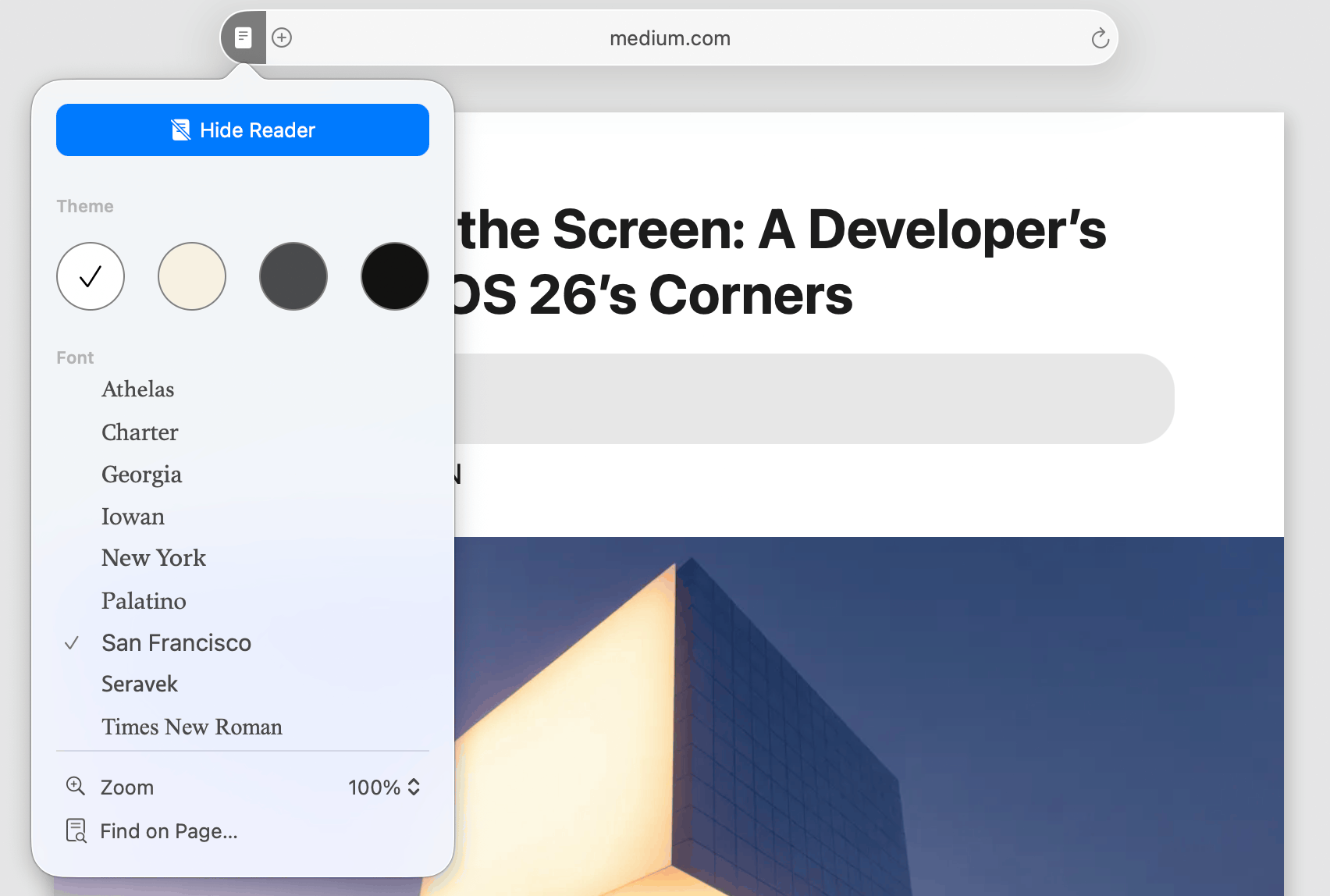
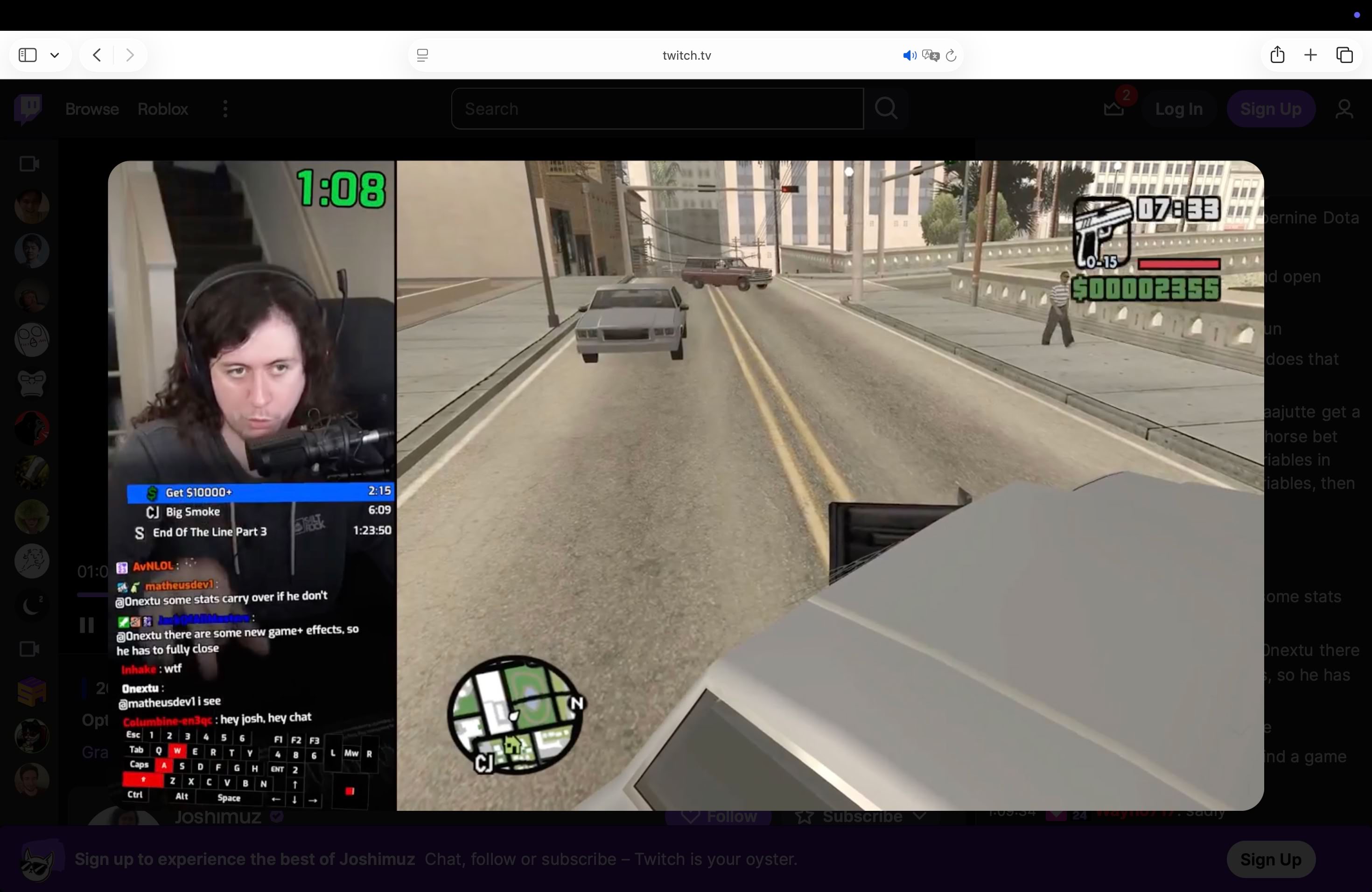
- Open Twitch
- Click on the video once to make it in focus
- Press Shift-Command-R on your keyboard
- Right-click the popped out video
- Choose Enter Picture in Picture mode
- Minimize whole Safari window
- Use any other browser for actual work

PiP for productive stuff?
For some time I was trying to force a PiP-like behaviour for productivity. Sometimes I need to remember about something and if that something is on some other space… well, there is a risk I will forget about it. Even worse if that something is in some Slack thread I keep switching from. I dug through different note apps, but none of them could use PiP or rather floating windows in such a way that a note would always be visible — no matter the space.
Then I found a solution. A paid screenshot app called Cleanshot X. Yes. I paid with my own money for an app that makes screenshots, even though macOS has built-in screenshot capabilities. Turns out that app has a ton of features, but the one I was most interested in was called Floating Screenshots. Now I could do a screenshot of anything — a message from a coworker, a task list, a server console output and just pop it in place anywhere. I don’t know if they used native macOS mechanisms or what, but that’s the only app that keeps the window floating over every space and window.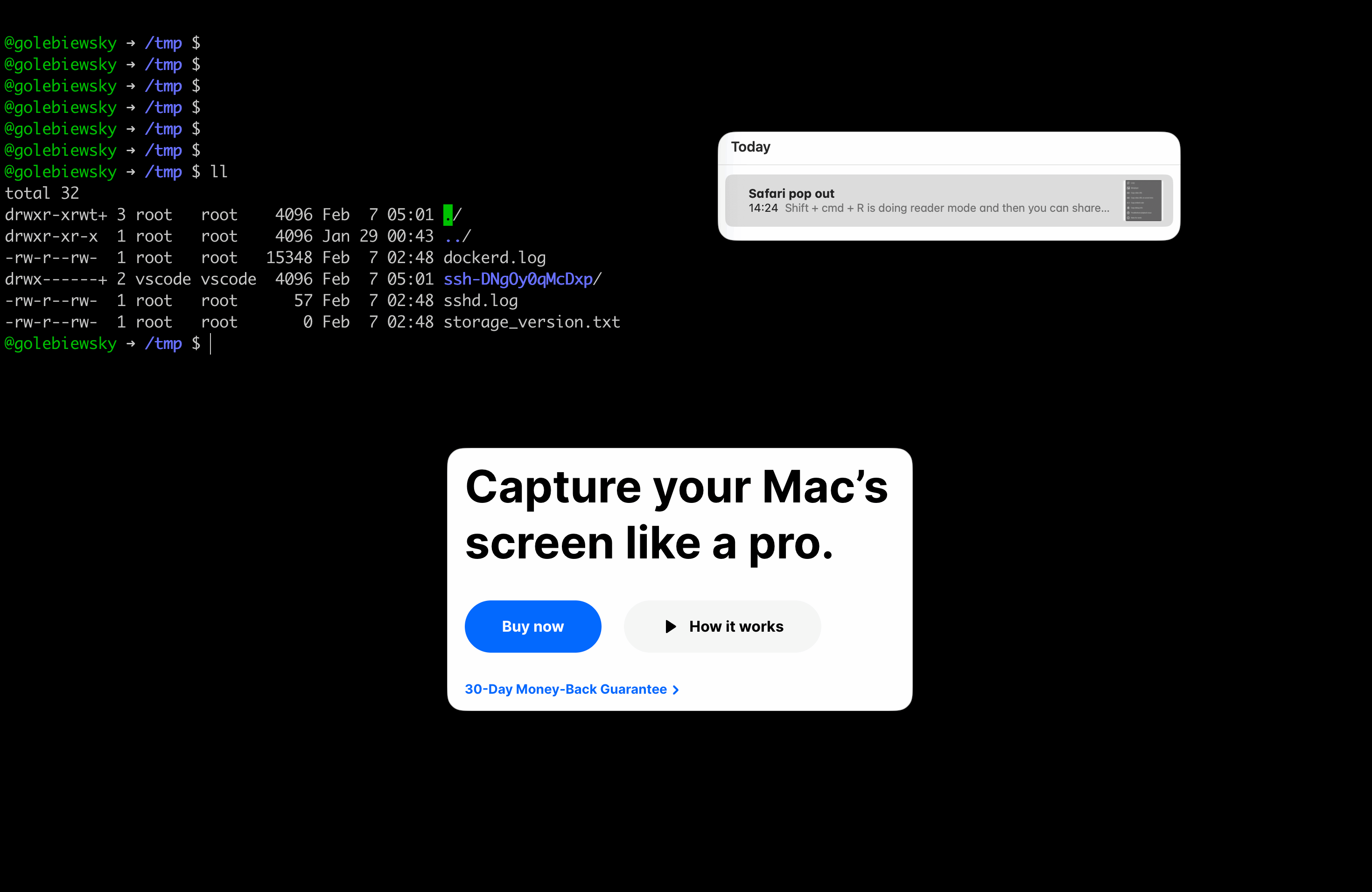
You can also use an iPad as a second screen or… just use that iPad for videos, or any other tablet, or a smartphone. ↩︎
Don’t ever mess with developer console if you don’t know what you are doing, especially on sites where you are logged in! ↩︎